AI Story Videos for TikTok: Turn Ideas into Vertical Stories
Create a vertical story video with AI script, scene images, voiceover, and captions, then review available publishing options.
How to Create AI Story Videos for TikTok
Nuvavio creates 9:16 videos from a topic and selected voice, visual style, captions, and music. You can preview the finished video on Web, iOS, or Android, then download it or review publishing options for connected accounts.
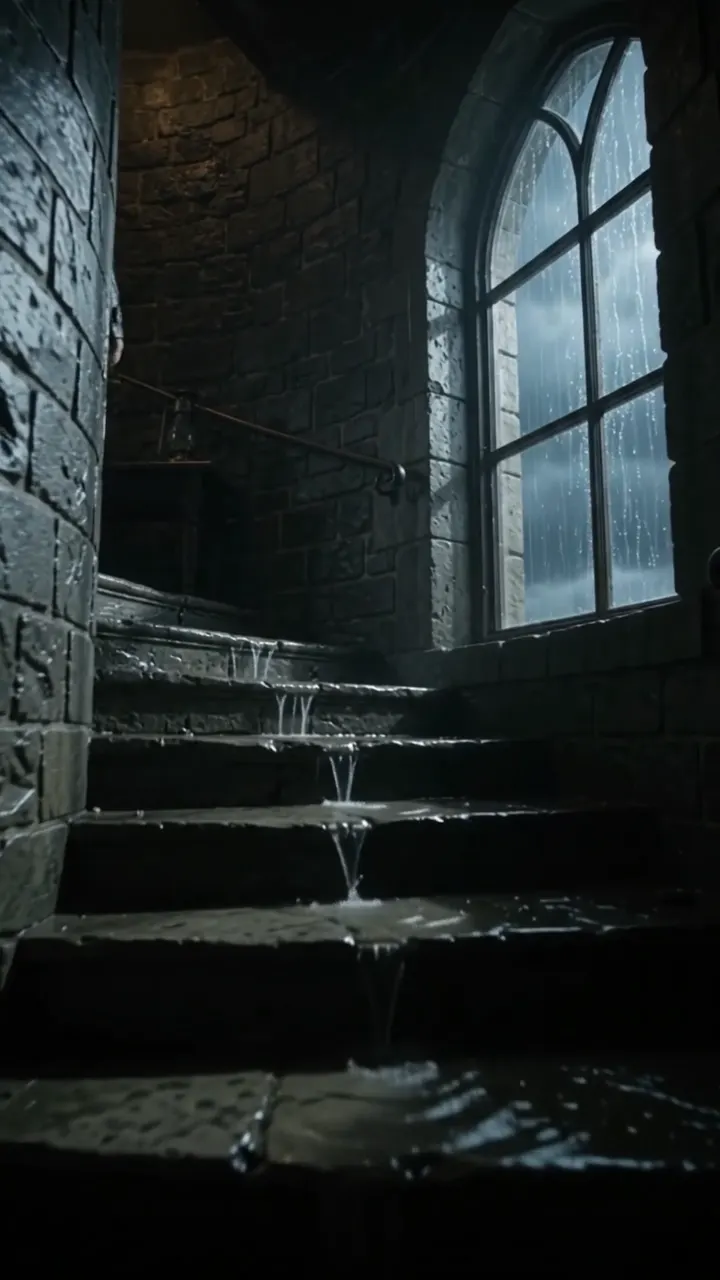
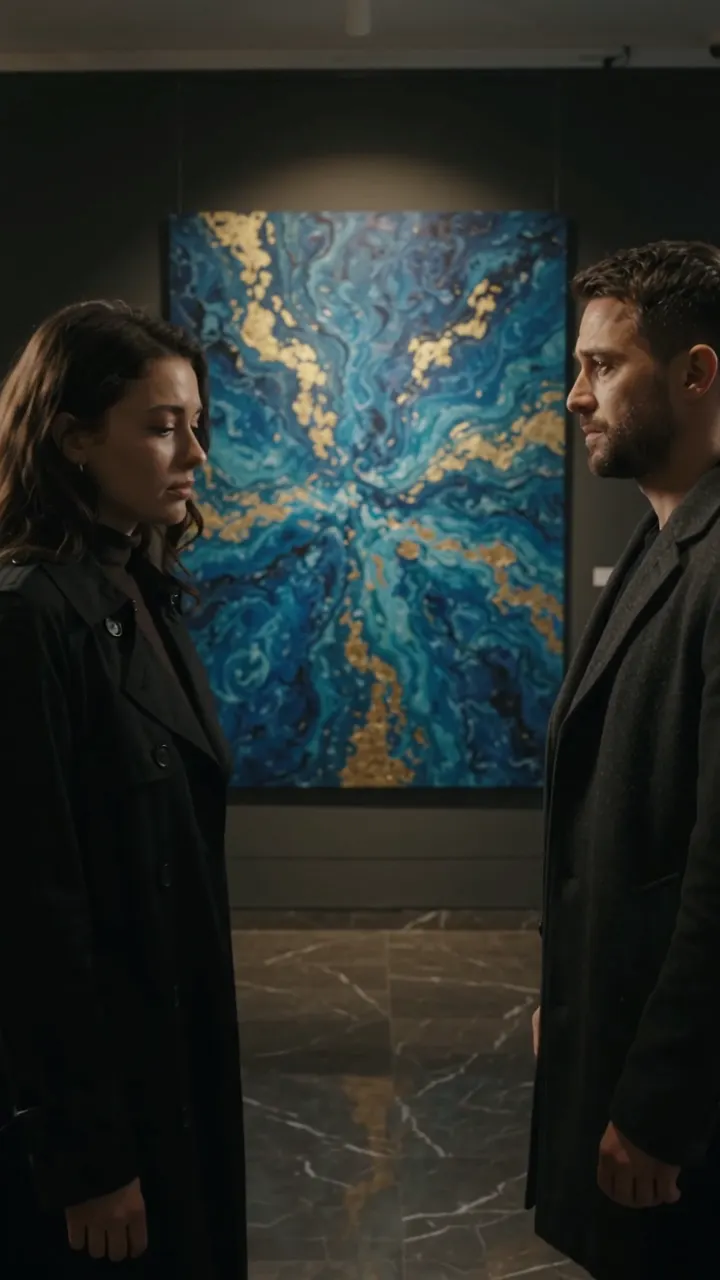
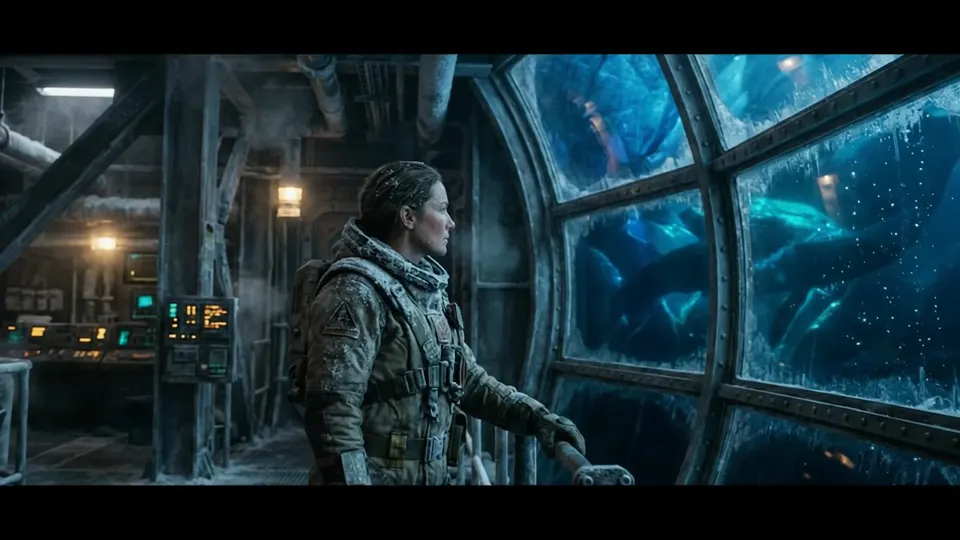
The Nuvavio studio workflow for TikTok Stories
Configure the topic, voice, visuals, captions, music, and motion, then preview the result before publishing.
01
Step 1: Narrative Premise and Opening
Enter a topic or premise for your story, such as a mystery, myth, history, or fictional scene.
02
Step 4: Cinematic Visual Art Direction
Select an aesthetic (Dark Fantasy, Cinematic Realism, Anime, Graphic Novel, Watercolor) generated in native 9:16 vertical resolution.
03
Step 5: Dynamic Kinetic Subtitles
Apply TikTok-native animated caption styles (Karaoke bounce, highlighted words, pop animation) to keep sound-off viewers engaged.
04
Step 7: Direct TikTok Account Integration
Connect your TikTok account via OAuth, review the available publishing permissions, then publish or schedule a confirmed video when your account is eligible.
Why TikTok Creators Scale with Nuvavio
Connected TikTok Publishing
Connect an eligible account, preview your video, and confirm the available publishing settings. Publishing options depend on the platform and account permissions.
Scene Transitions and Camera Motion
Nuvavio combines scene images, narration, captions, and camera motion into a vertical video you can preview.
18 Interface Languages and Narration Options
Choose the interface language in settings. Select an available narration language and voice separately in the studio.
Native iOS & Android Cloud Sync
Nuvavio offers apps on the App Store and Google Play, alongside Web Studio, for checking saved drafts and completed videos.
TikTok Story Creator FAQs
Case study (in English): one real Auto Series run from topic to finished story video