AI Faceless YouTube Shorts: The Complete studio workflow
Turn an idea into a vertical video with AI script, scene images, narration, and captions, then preview it before downloading or publishing.
How to Create Faceless Short Videos with AI
Nuvavio creates 9:16 videos from a topic and selected voice, visual style, captions, and music. You can preview the finished video on Web, iOS, or Android, then download it or review publishing options for connected accounts.
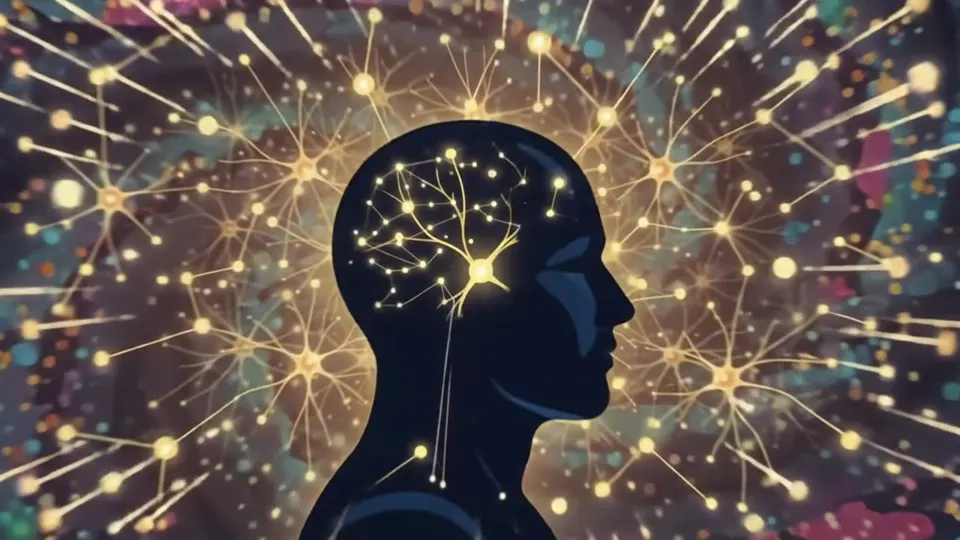

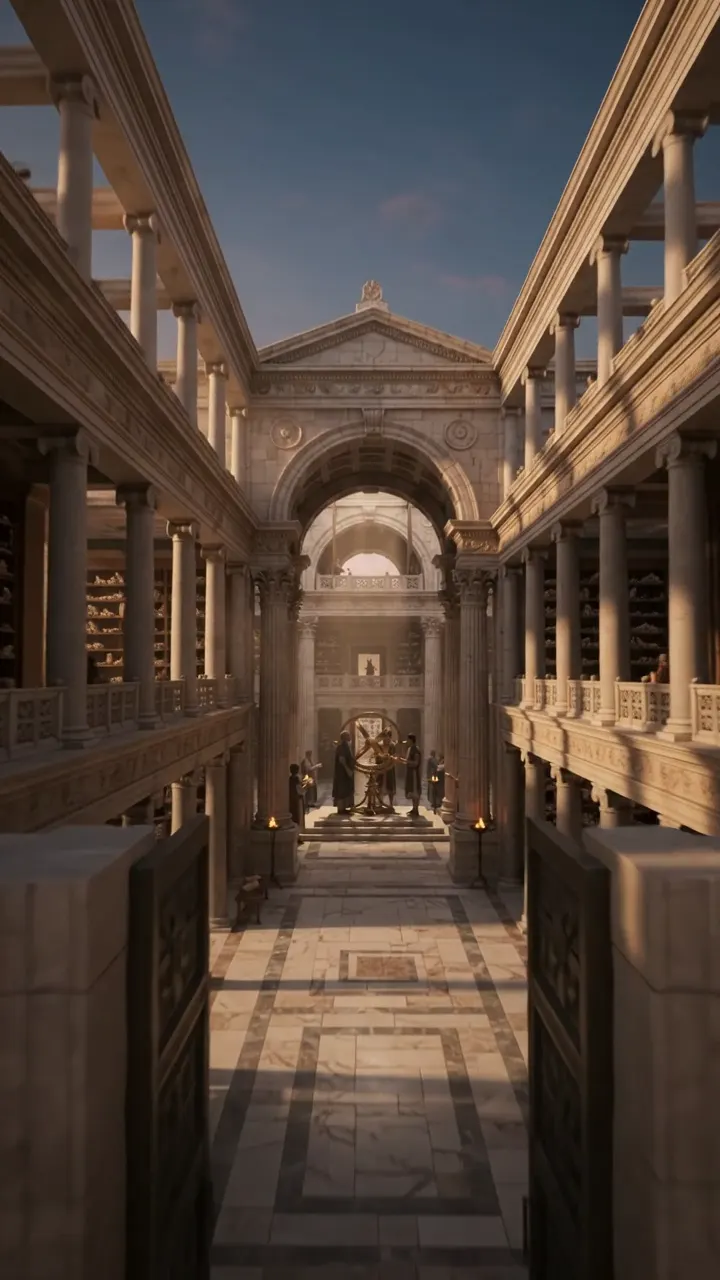
Video Creation Settings for YouTube Shorts
Choose the topic, voice, music, visuals, captions, and motion together in the studio, then preview the rendered video.
01
Topic & 3-Second Hook Architecture
Start with a clear premise or question, then preview how the opening narration, imagery, and captions introduce the story.
02
Language & Lifelike Voiceover
Choose an available narration language and AI voice, then preview the spoken result.
03
Cohesive Visual Art Style
Choose from the available visual styles, then preview the generated scene images with the narration.
04
Direct Channel Publishing
Connect an eligible account, preview your video, and confirm the available publishing settings. Publishing options depend on the platform and account permissions.
Cross-Device Mobility: Web Studio + Native Mobile Apps
Native iOS & Android Apps
Download the official app from the Apple App Store or Google Play Store. Launch generations, review scenes, and manage drafts directly on your phone.
Draft Synchronization
Use the same Nuvavio account to access saved drafts, credits, and completed videos on your devices.
Review Before Publishing
Paid plans provide generation credits for creating videos. Review the finished video and the terms for any included assets before publishing.
YouTube Shorts Creator FAQs
Case study (in English): one real Auto Series run from topic to finished story video