Faceless AI Video Creation on iPhone and Android
Create vertical videos on iOS, Android, or Web. Choose your settings, follow cloud generation, and preview the result before downloading or publishing.

Create and Review Videos on Your Phone
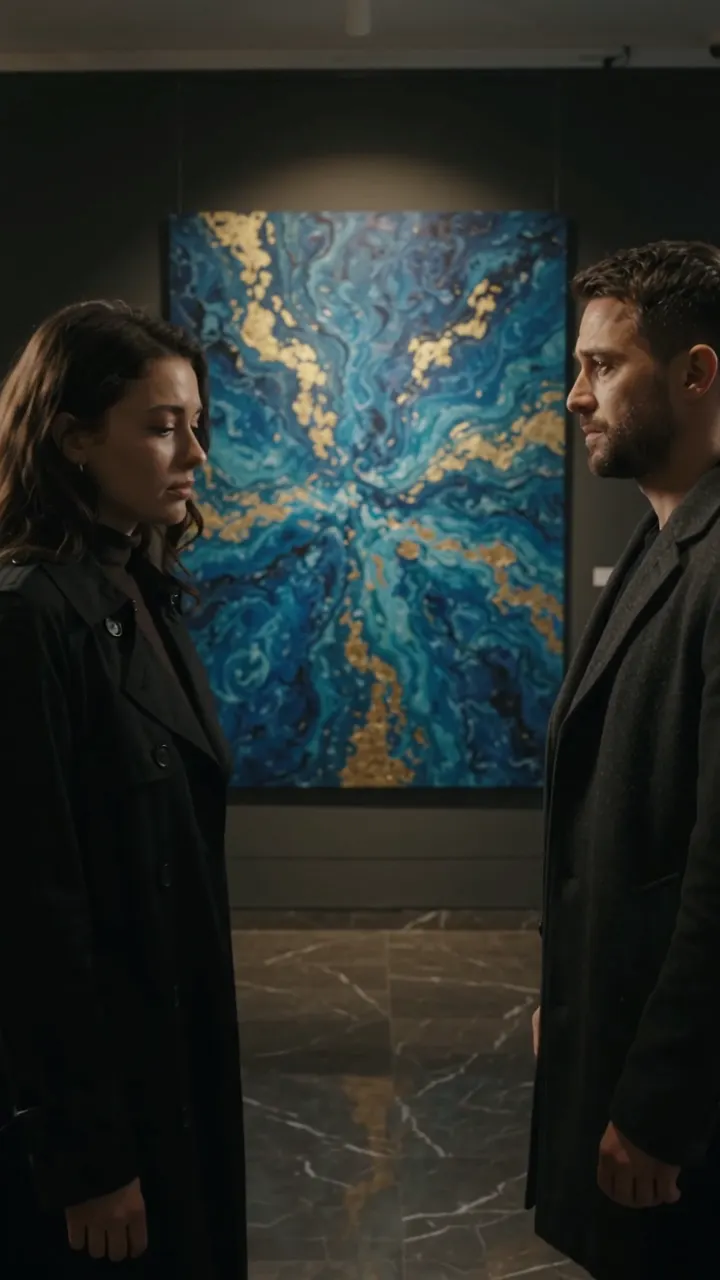
Nuvavio creates 9:16 videos from a topic and selected voice, visual style, captions, and music. You can preview the finished video on Web, iOS, or Android, then download it or review publishing options for connected accounts.


Nuvavio Mobile Feature Overview
Review the Nuvavio mobile features below and check each alternative using its current official product information.
| Core Feature | Nuvavio (iOS / Android / Web) |
|---|---|
| Native iOS App (Apple App Store) | Official Native iOS App |
| Native Android App (Google Play) | Official Native Android App |
| Generation Progress | Check progress in the app |
| Saved Work on Web, iOS, and Android | Access saved drafts with the same account |
| Finished Video Preview | Preview the rendered video on your phone |
| Connected Account Publishing | Review available publishing options |
| 18 Interface Languages with RTL Layouts | Choose the interface language in settings |
Publish Directly to Social Networks from Your Phone
Connect an eligible account, preview your video, and confirm the available publishing settings. Publishing options depend on the platform and account permissions.
Review the available TikTok Direct Post and scheduling options for your connected account.
Review your YouTube title, description, and visibility before publishing.
Review Reel publishing options for an eligible connected Instagram account.
Mobile App FAQs
Case study (in English): three real runs comparing Auto Series and Instant Clip